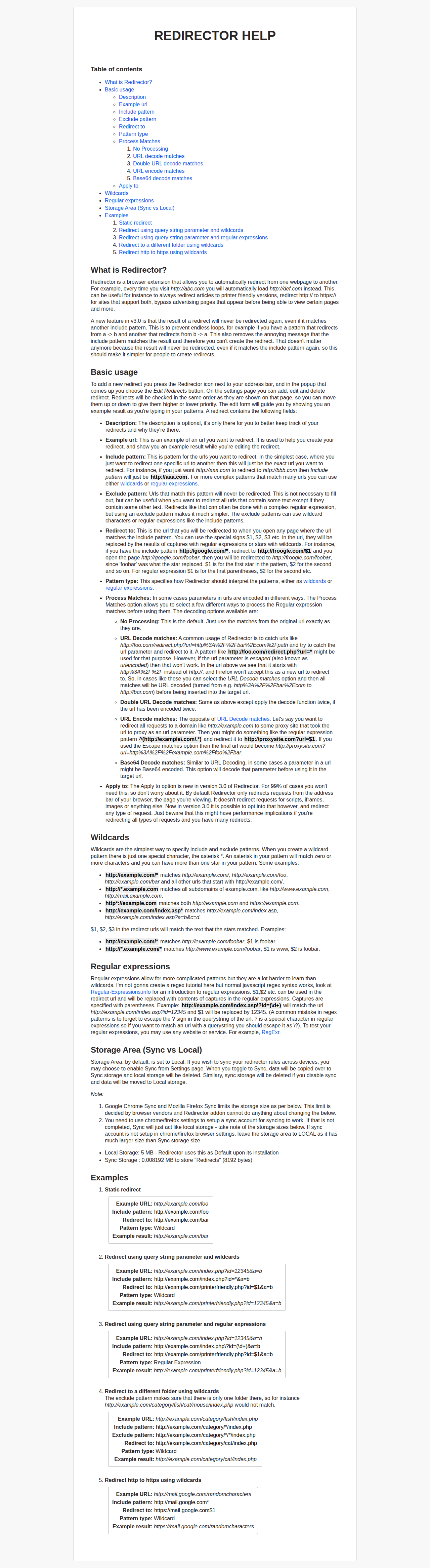
Toolbar popup
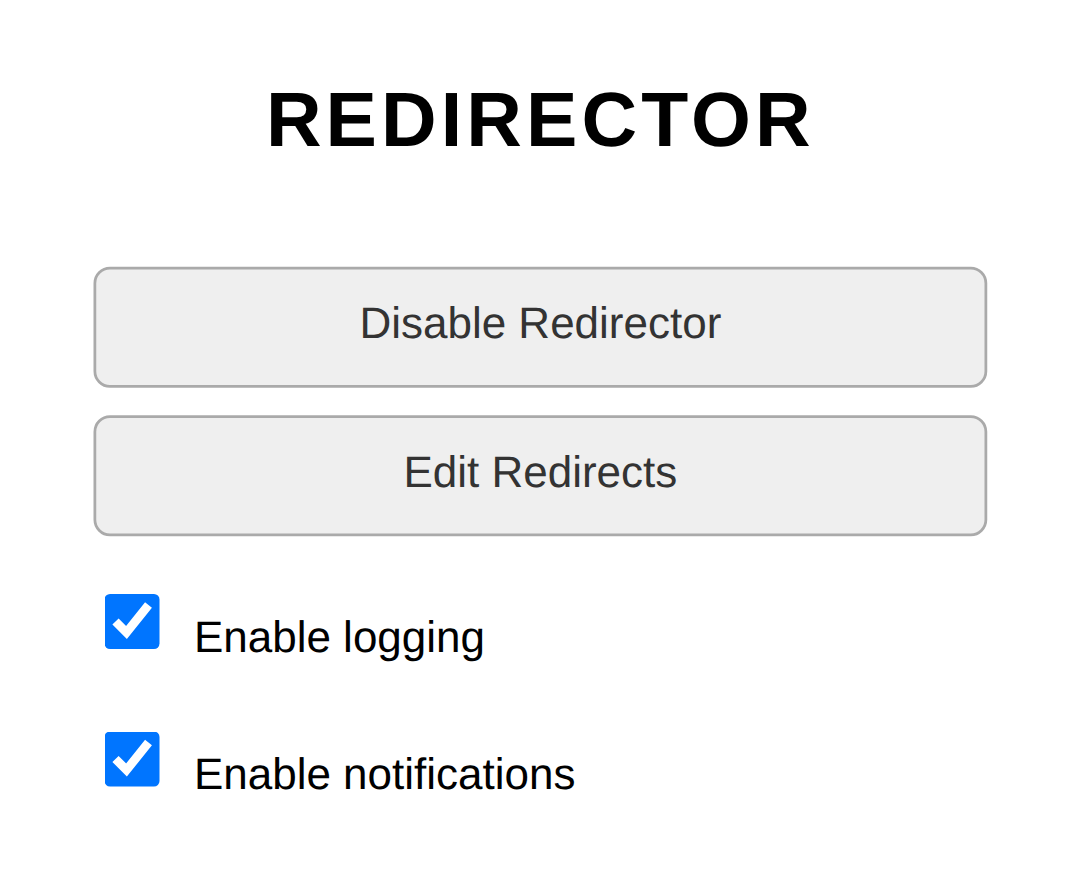
The compact popup shown when clicking the Redirector toolbar icon. Gives quick access to enable/disable, open settings and toggle logging or notifications.
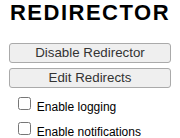
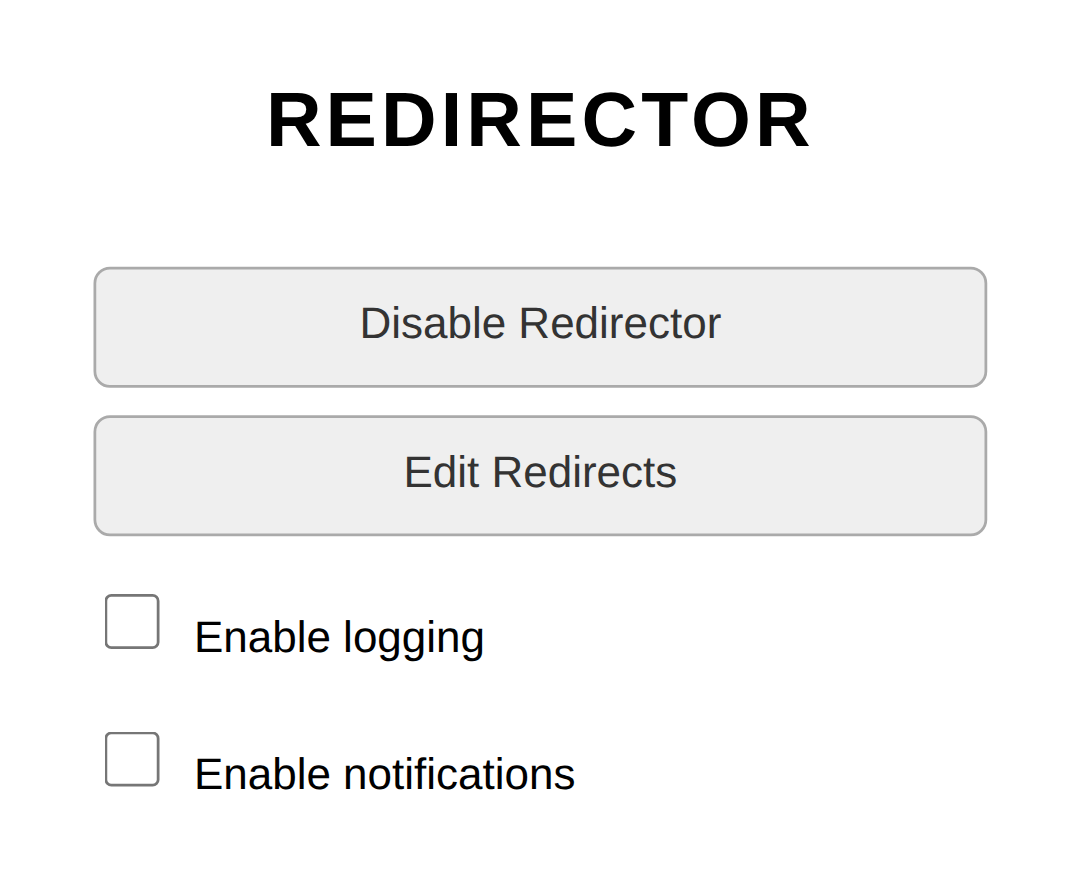
Auto-generated gallery from the Playwright end-to-end test suite. Every screenshot below is captured in CI from the live extension UI across desktop and mobile breakpoints.
The compact popup shown when clicking the Redirector toolbar icon. Gives quick access to enable/disable, open settings and toggle logging or notifications.
Logging and notifications can be flipped on straight from the popup without opening the full settings page.
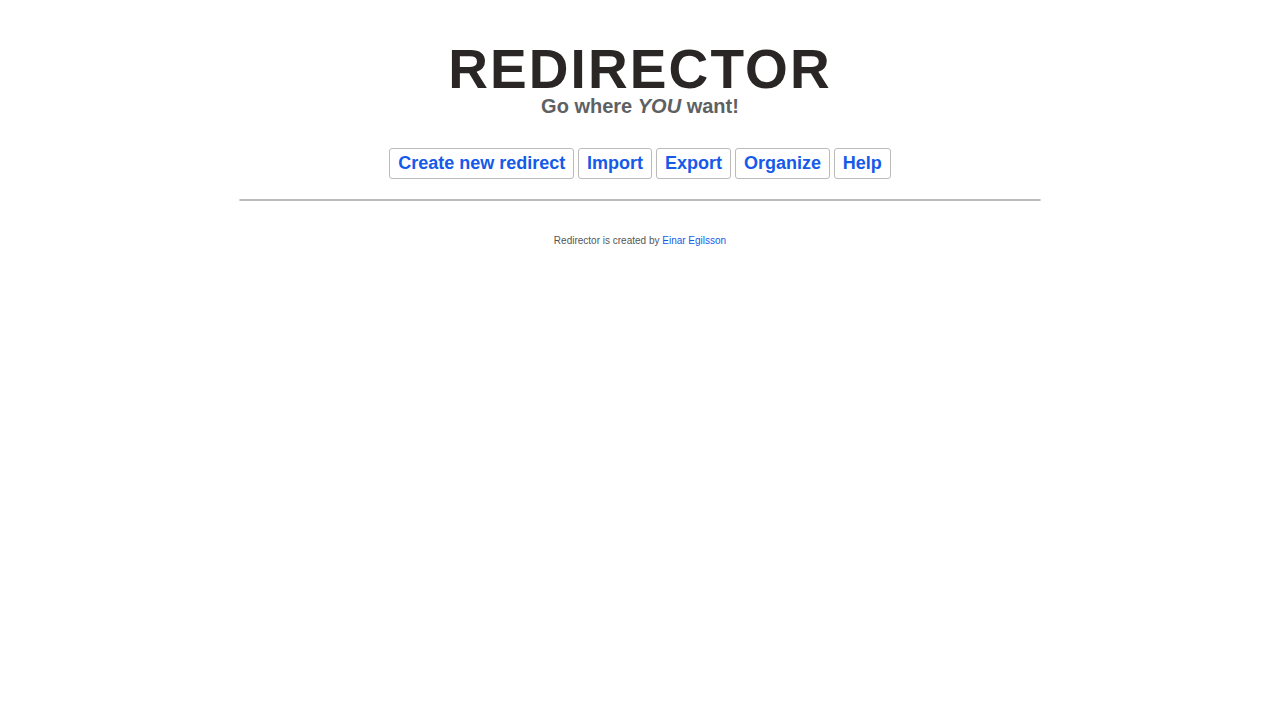
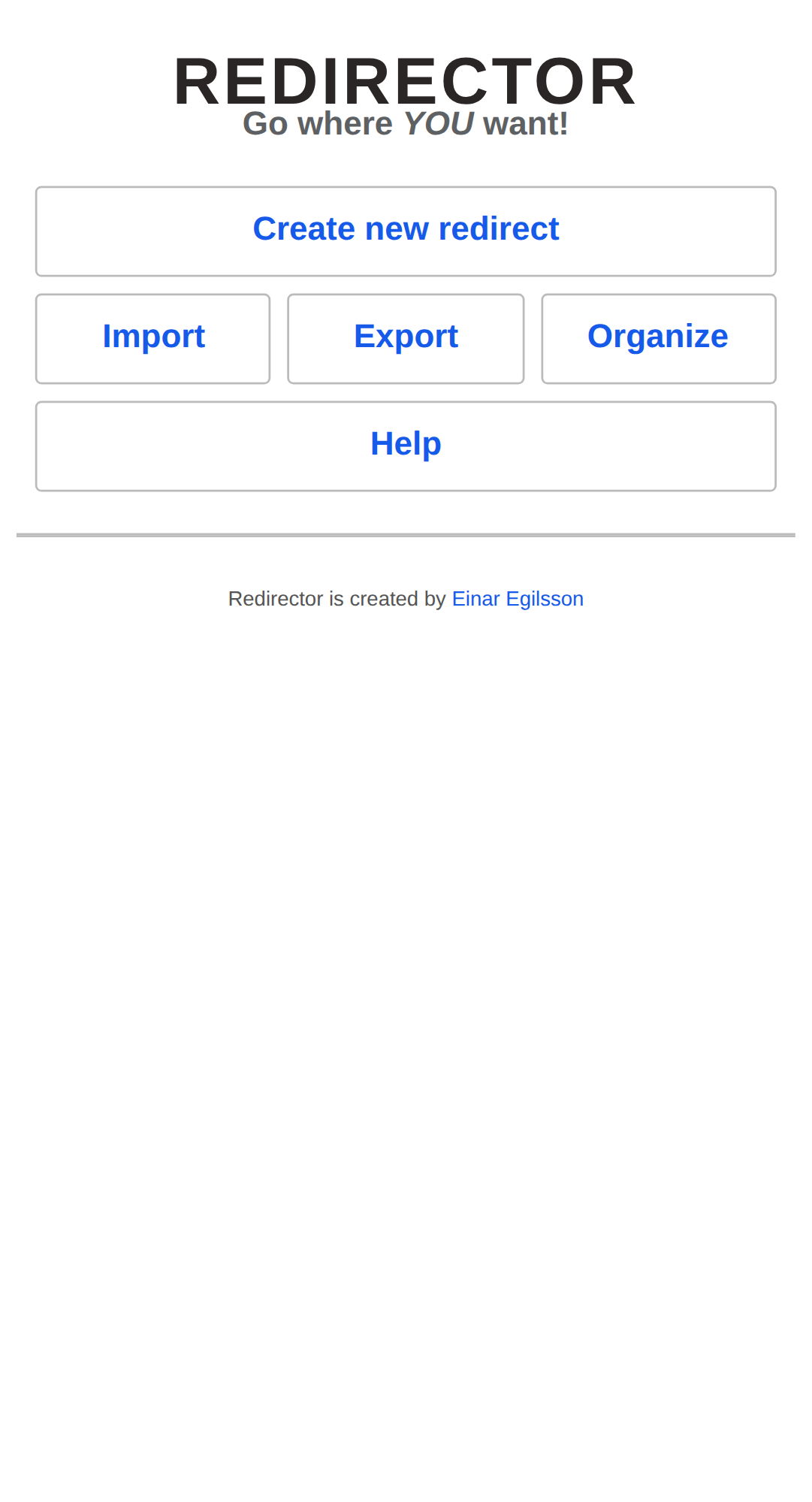
The main settings page. Existing redirects render as cards with quick actions (enable/disable, edit, delete, duplicate, reorder). The top bar handles creating, importing, exporting and organising rules.
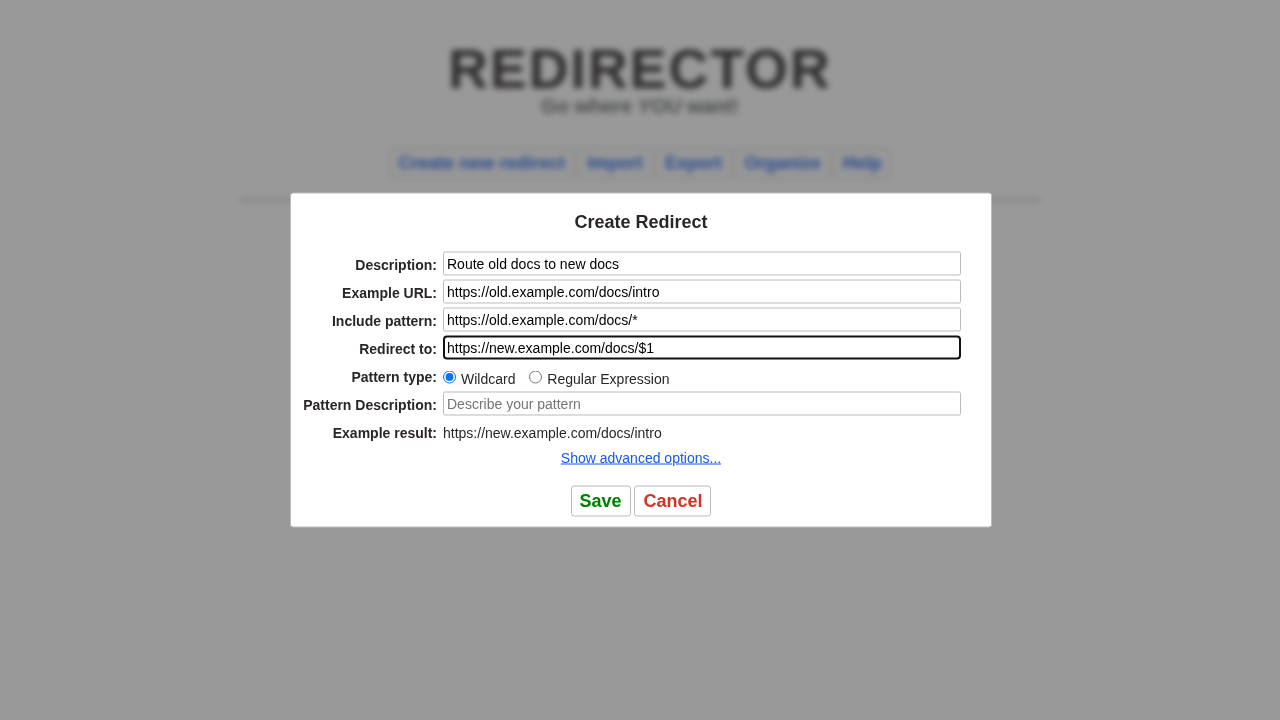
The Create Redirect form accepts a description, example URL, include pattern and a destination. Wildcards and full regular expressions are both supported.
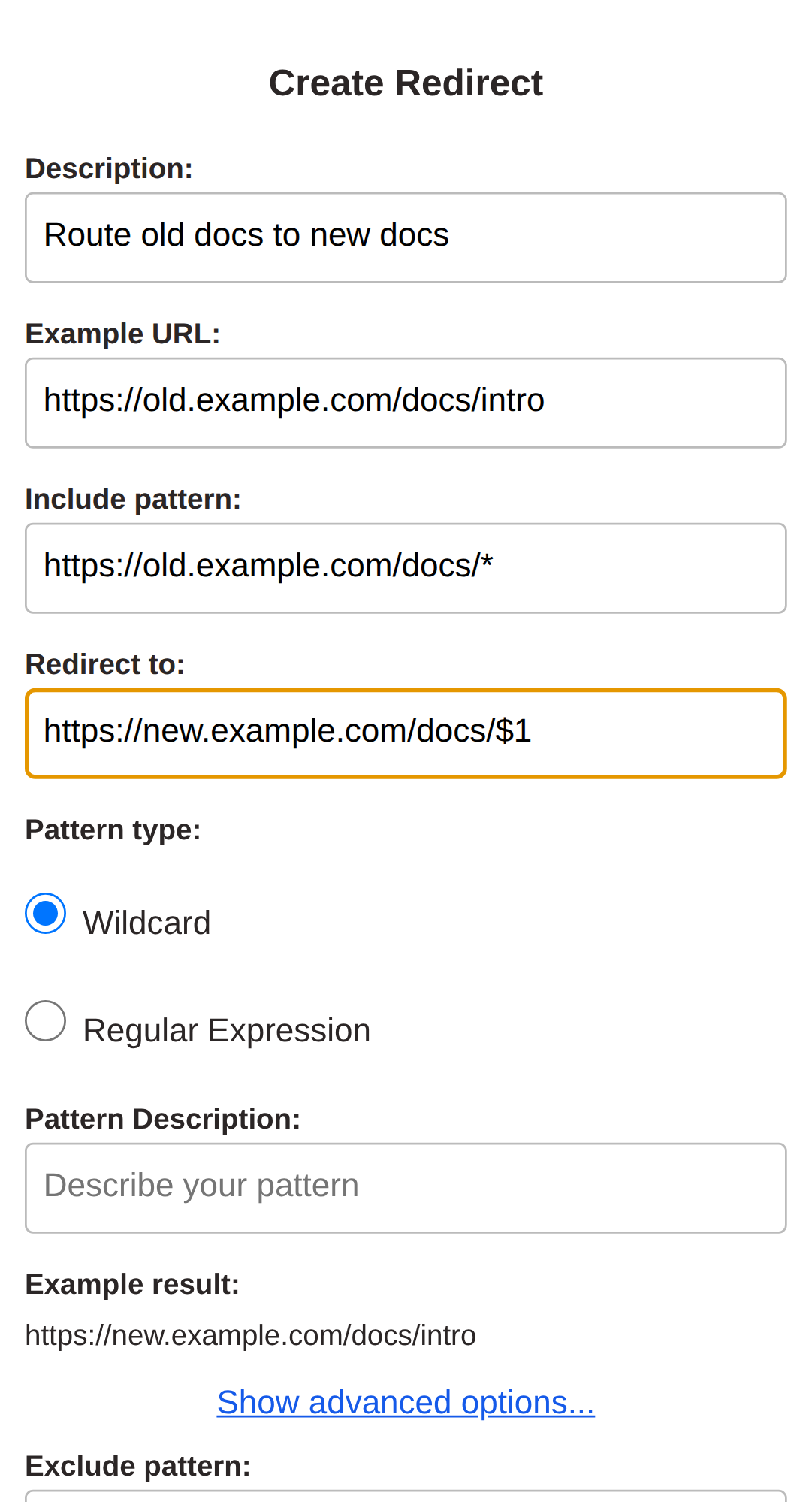
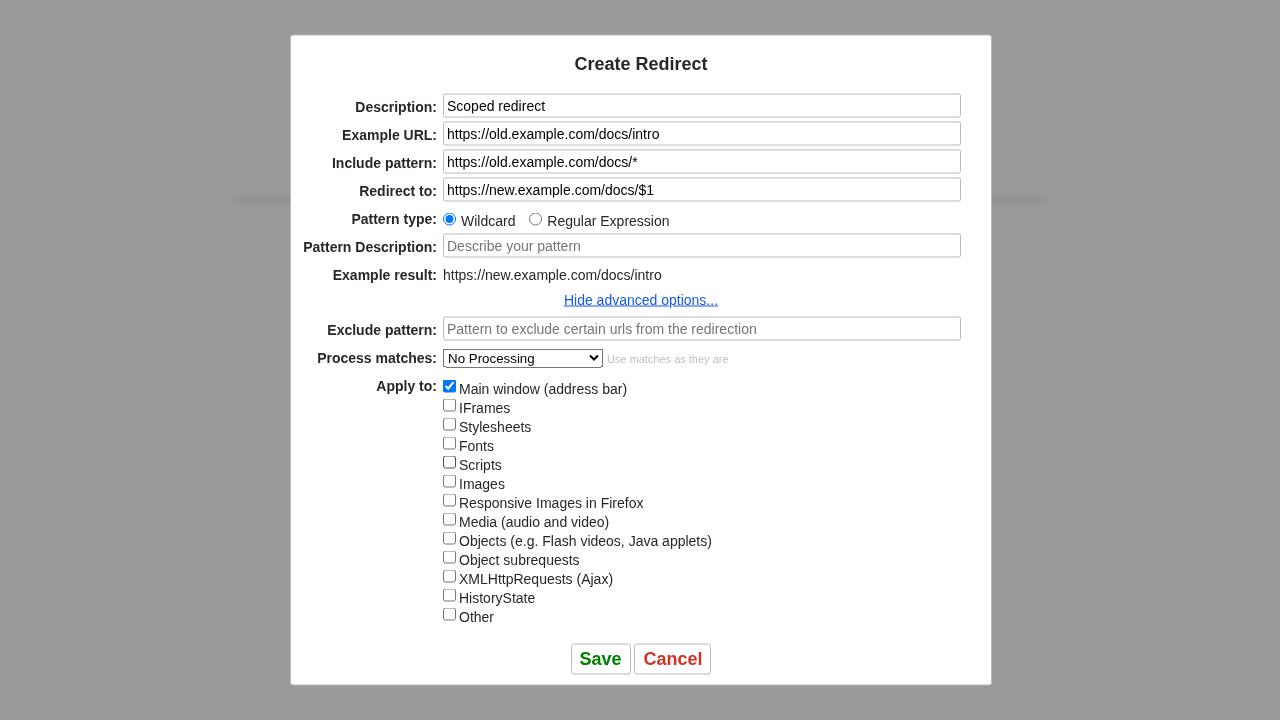
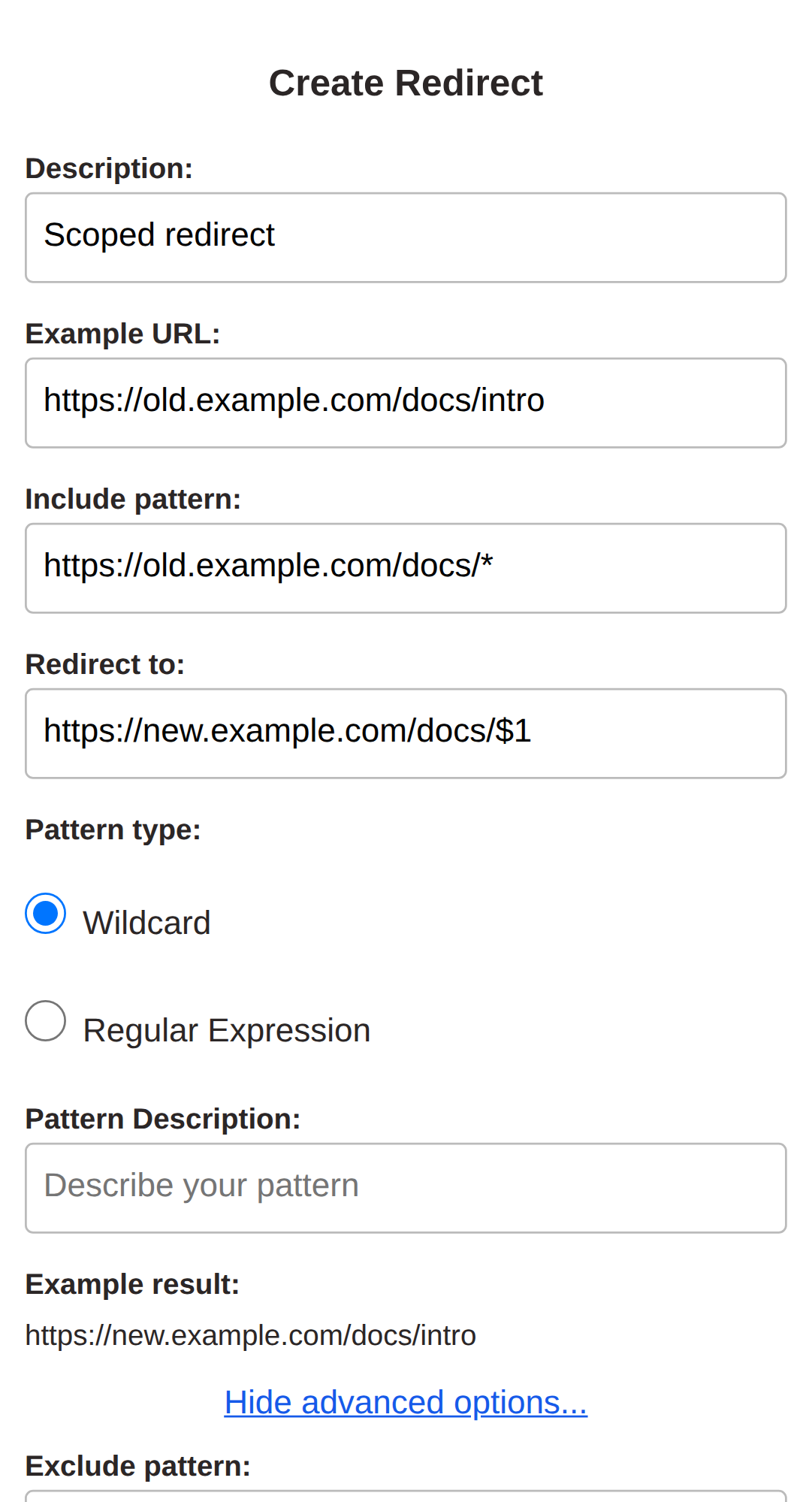
Fine-tune when a redirect fires - exclude patterns, URL processing (encode/decode/base64) and per-resource-type filtering across iframes, scripts, images and more.
The full help and documentation page, with a table of contents, explanations of wildcards and regular expressions, plus a set of worked examples.
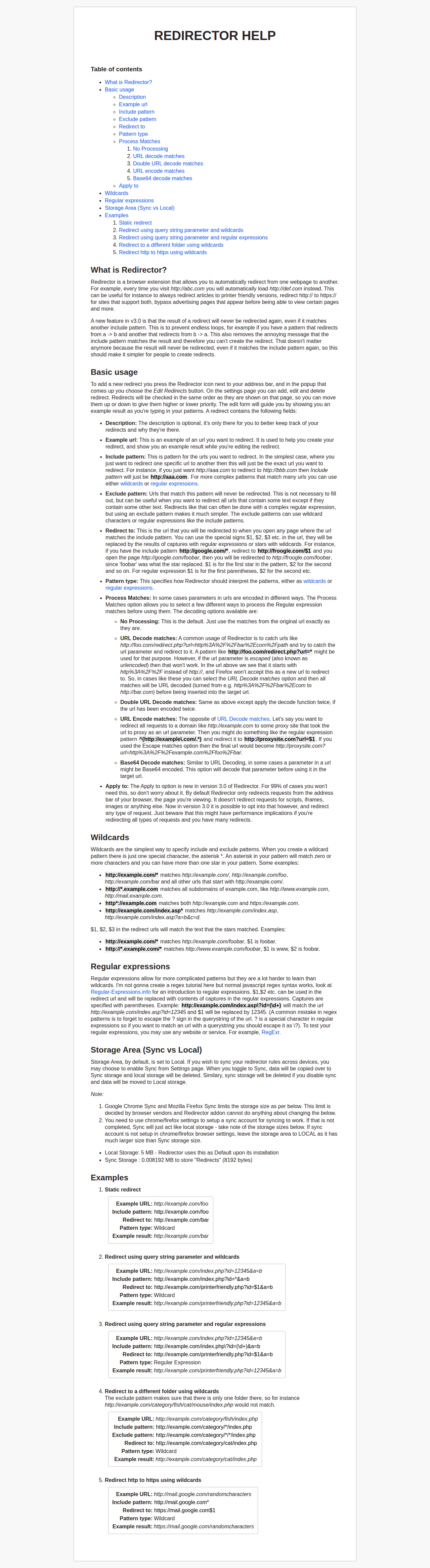

Concrete examples walking through pattern construction: from simple wildcards to regex captures and URL-decoded query strings.